The “AI browser” category is crowded this year: ChatGPT Atlas, Perplexity Comet, plus every agent-browser framework, all fighting to let AI browse for you. ego lite takes a different angle — it ships no built-in agent. Instead, the browser itself becomes the agent’s workplace, and you bring your own Claude Code, Codex, or any agent CLI.
The review method is a little meta too: every hands-on test in this review was executed by ego lite itself. It played its own guinea pig.

What it is
ego lite is a Chromium-based browser from Citro Labs (kernel 150 — very fresh), macOS-only for now, free. The pitch in one line: you and your AI agent share one browser, each doing your own thing.
- The agent works in isolated Spaces (task spaces) without stealing your tabs or mouse focus
- It inherits the login state you migrated from Chrome, so the agent operates sites as you
- Agents connect through the
ego-browserskill, driving the browser with a single Node.js heredoc script instead of the “run one command, read output, run another” loop
The official benchmark claims “up to 2.5–3.45× faster than Vercel’s agent-browser” — note the README says 2.5× while the Chinese docs say 3.45×. The official numbers don’t even agree with each other. I discount that kind of figure and measure instead.
Test 1: How token-cheap is the Snapshot, really?
Text models “see” a page through a structured snapshot, not screenshots. ego lite claims a kernel-level customized snapshot of 200–400 tokens for a typical page. I measured both extremes:
Simple page (saucedemo login): the snapshot is just 700 characters, roughly 200 tokens — the claim holds exactly. It looks like this:
root
  text "Swag Labs"
  container
    form
      textbox [ref=2, loc=css:input[name="user-name"]]
      textbox [ref=3, loc=css:input[name="password"]]
      button [ref=4, loc=css:input[name="login-button"]]
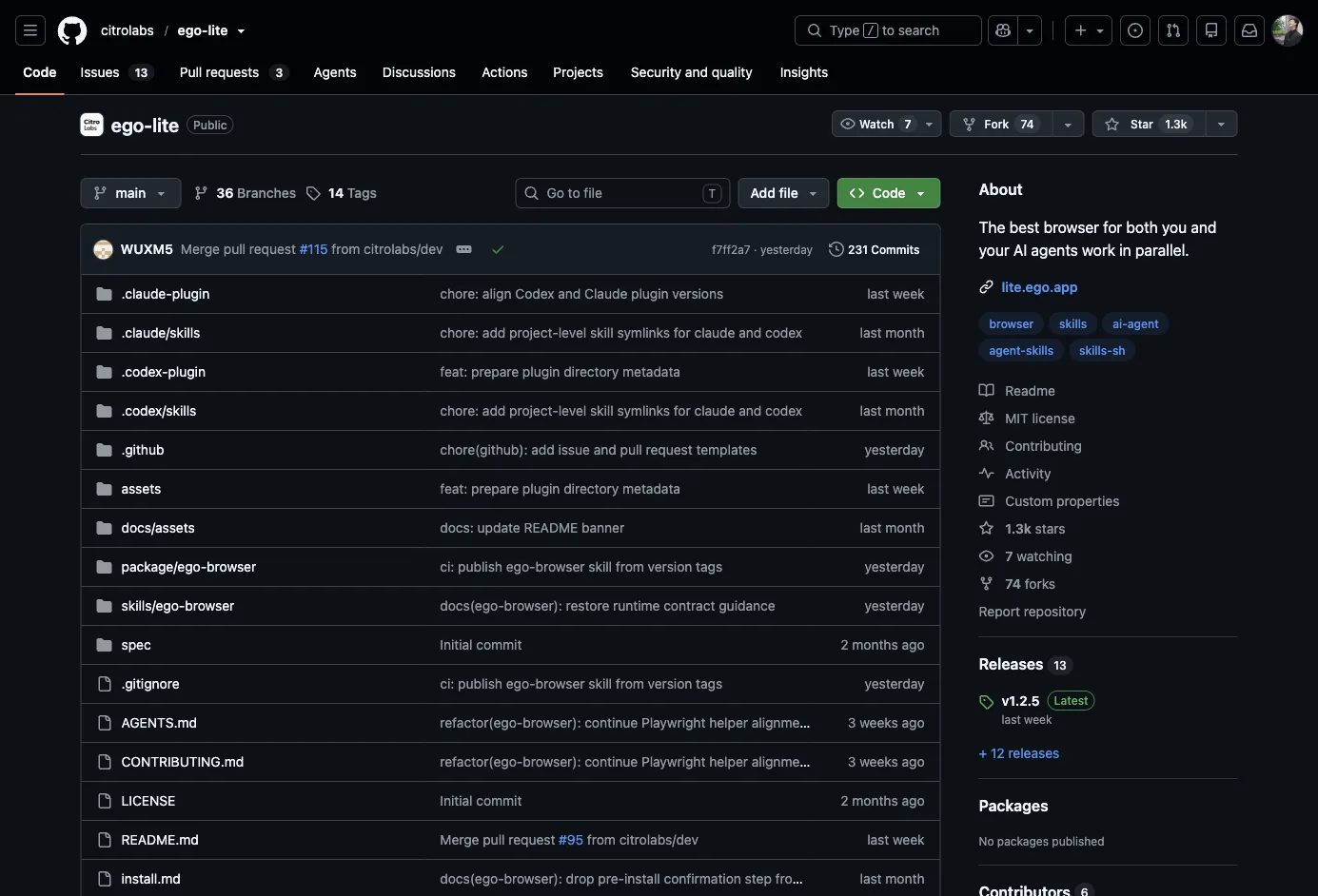
Complex page (GitHub repo page): the snapshot balloons to 49,392 chars (~14k tokens). Sounds scary, but the raw HTML of the same page is 413KB — an 8.4× compression ratio, generated in 18ms. For comparison, dumping full a11y trees or HTML to a model with Playwright-style tools costs several to dozens of times more tokens.
Verdict: “200–400 tokens” is login-page marketing; complex pages are still big. But the compression and generation speed are real — the kernel-level customization isn’t vaporware.
Test 2: Login-state inheritance — the agent is you
This is where the experience gap versus traditional automation frameworks is largest. I was already logged into GitHub in ego lite (via Chrome data migration), then had the agent check the login state:
{ hasAvatar: true, avatarAlt: "Roki Ran", hasLoginLink: false }The agent sees the logged-in page directly — no cookies, tokens, or 2FA flows to handle. For identity-bound tasks (posting, checking mail, operating internal systems), this removes the entire authentication problem, which is exactly where browser-use-style frameworks hurt most.
Test 3: Form interaction — a full flow in one script
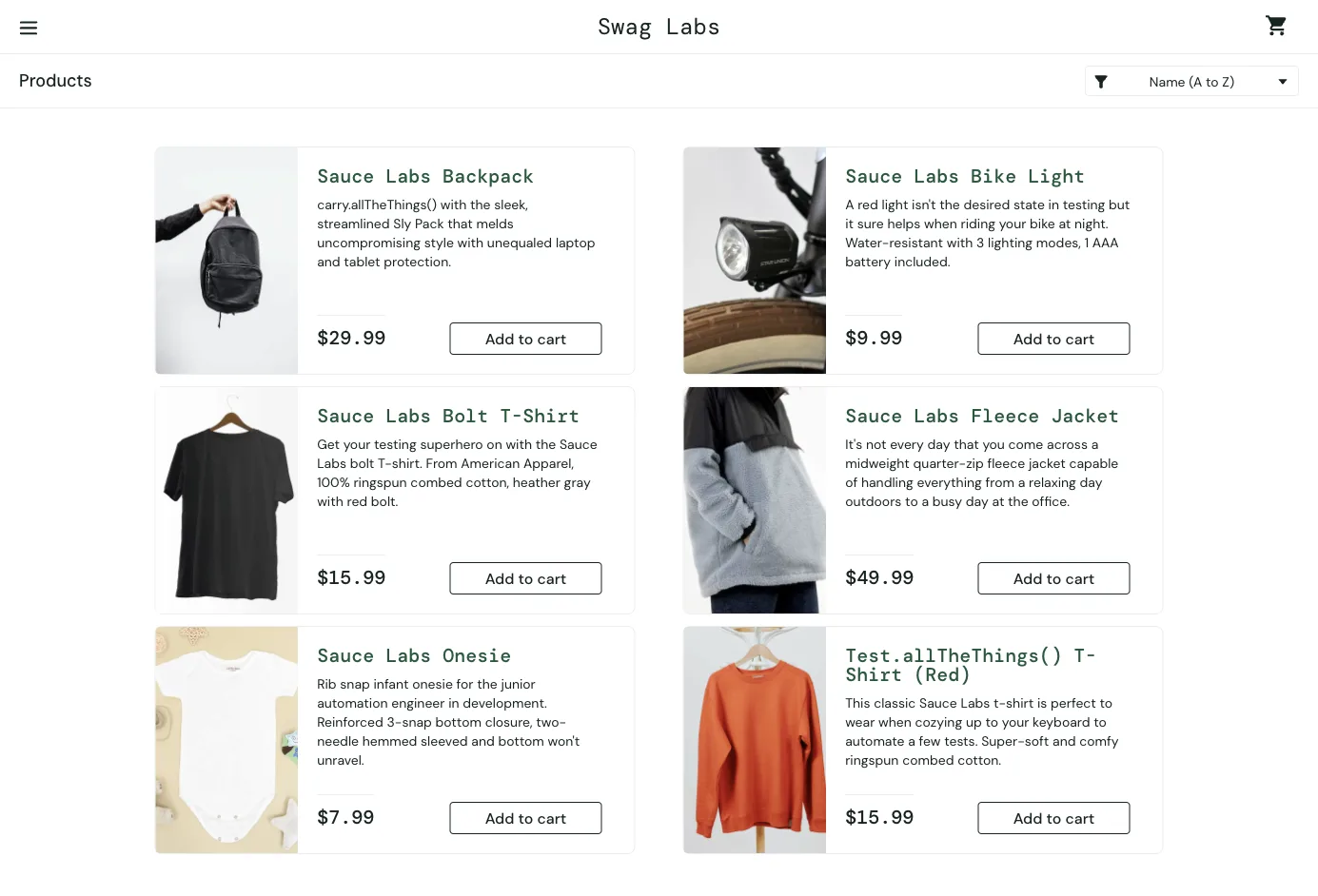
End-to-end login on saucedemo: fill username, fill password, click login, verify the redirect to the products page. One heredoc, one execution:
await fillInput('@2', 'standard_user')
await fillInput('@3', 'secret_sauce')
await click('@4')
// → after login: /inventory.html
// → {"title":"Products","itemCount":6}
Fill + click + verify took 1.16 seconds. The @2-style refs come from the snapshot and don’t depend on CSS classes, so frontend restyling won’t break them — far sturdier than hand-written selectors.
Test 4: iframe traversal
The official claim: kernel-level snapshots handle “deeply nested iframes” that JS-shim approaches silently drop. Test target: the W3Schools online editor (6 iframes on the page, with the form rendered inside the result iframe):
iframe [ref=9, loc=unstable]
  text "First name:"
  textbox [ref=2, loc=css:input[name="fname"]]
  text "Last name:"
  textbox [ref=3, loc=css:input[name="lname"]]
The form fields inside the iframe appear fully in the semantic tree and are directly operable by ref. For payment flows (Stripe checkout is an iframe) or third-party embedded components, this is a hard requirement.
Test 5: Parallel Spaces
I opened two Spaces, each driven by an independent CLI process: one scraped the Hacker News front page (top 5 in 1.5s), the other pulled the ego changelog (9.3KB snapshot). Both completed concurrently without interfering.
For scenarios like “Claude Code enriching 10 leads in 10 parallel Spaces,” the architecture holds. The bottleneck will be your machine and your token bill, not the browser.
Gotchas the docs don’t tell you
captureScreenshot()returns a temp file path, not base64. The docs never state the return format. I assumed base64 by convention and wrote three 57-byte garbage files before figuring it out. Correct usage: take the returned path and copy the file yourself.- The heredoc is an ESM environment: you can’t mix
require()with top-levelawait; file operations needawait import('fs'). The error message is clear, but you’ll hit it once. - Snapshot refs expire: every
snapshotText()rebuilds the refMap; refs die when elements scroll out of view or the DOM re-renders. The docs mention it in small print — in practice, build the habit of re-snapshotting before every action.
Who it’s not for
- Windows/Linux users: macOS only today; other platforms are “on the roadmap”
- People who want AI built into the browser: ego lite has no built-in agent — you need your own agent CLI and model API key. Not a flaw, a positioning choice, but it means non-technical users get zero AI out of the box
- Anyone uneasy about delegating full credentials: the agent inherits your entire login state — it can do everything you can. Convenience and risk are the same coin
Verdict
ego lite’s differentiation isn’t the “AI browser” buzzword — it’s a pragmatic bet: what agents need isn’t a new browser, but a work environment that shares your login state without disturbing you. The core capabilities survived testing: snapshot compression (8.4× vs raw HTML, 18ms to generate), iframe traversal, parallel Spaces. Take the marketing multipliers with salt — even the official materials can’t agree on them.
For someone like me who works through agent CLIs daily, it solves a real pain: before, an agent driving a browser either hijacked my Chrome focus or ran a headless instance with no logins. Now it’s “it does its thing, I do mine” — that alone is worth the price (which is free).